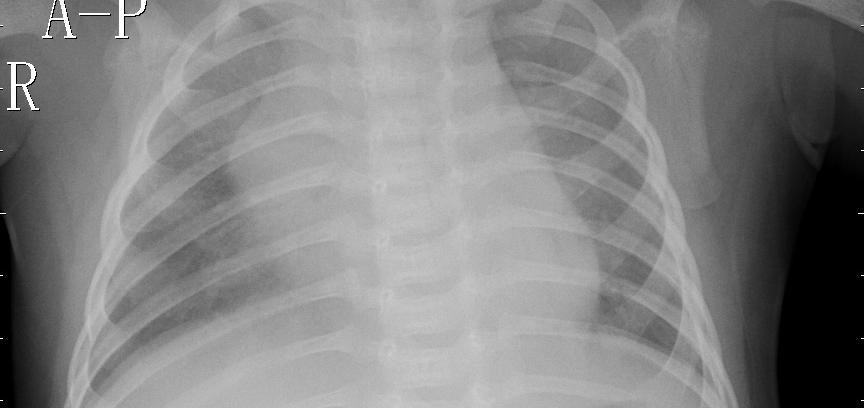
Sample chest X-rays

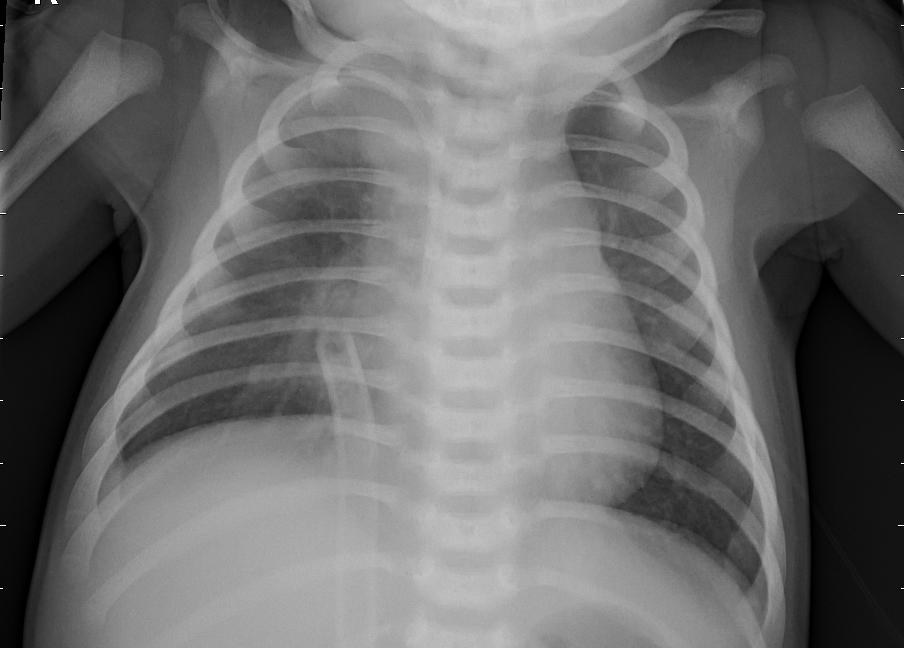
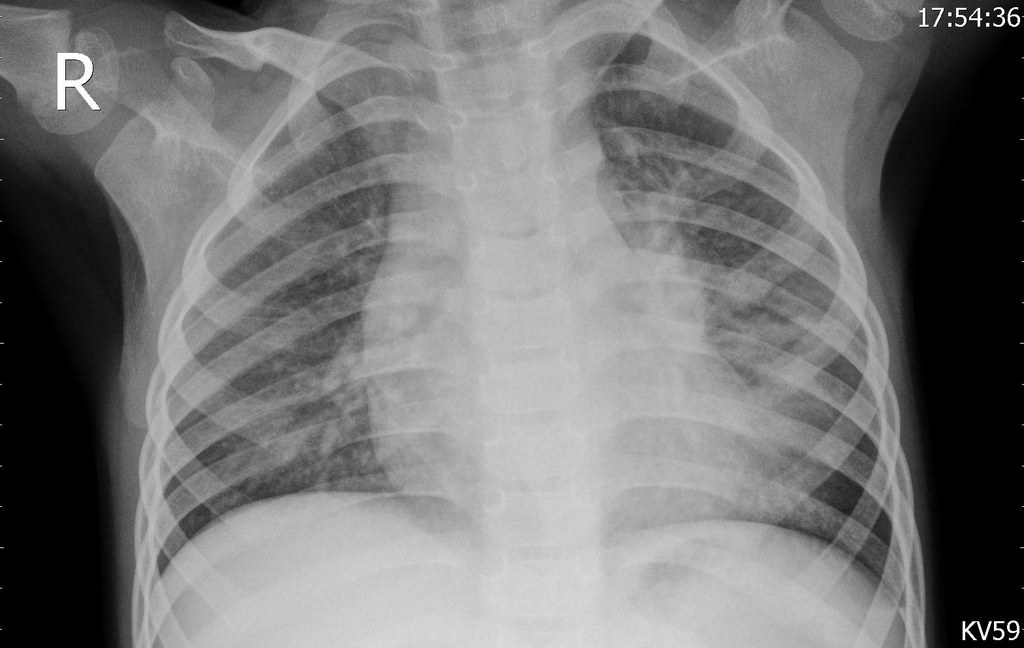
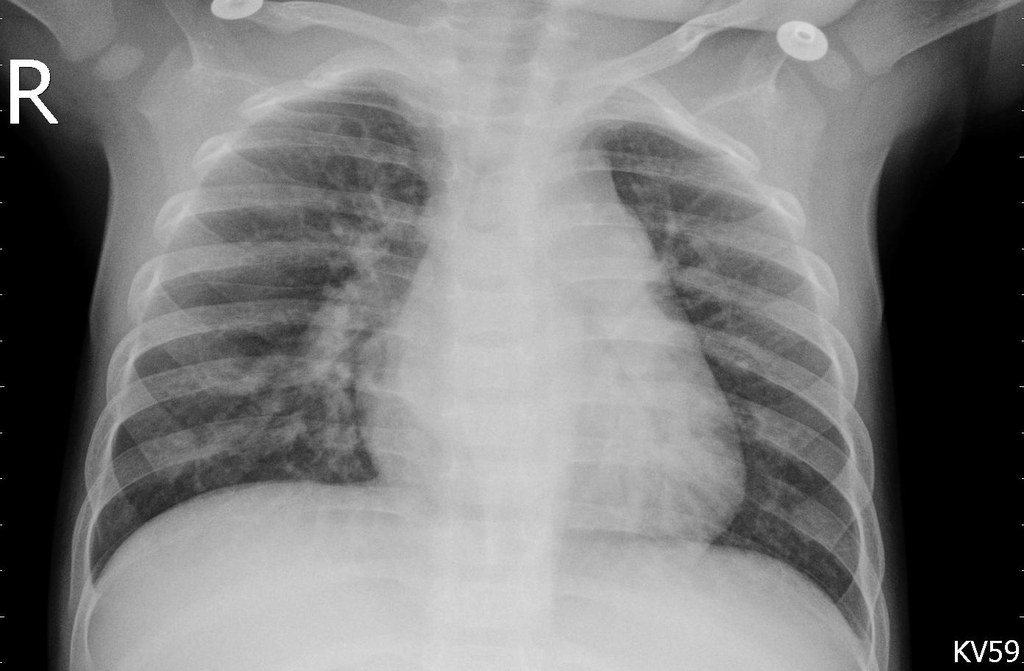
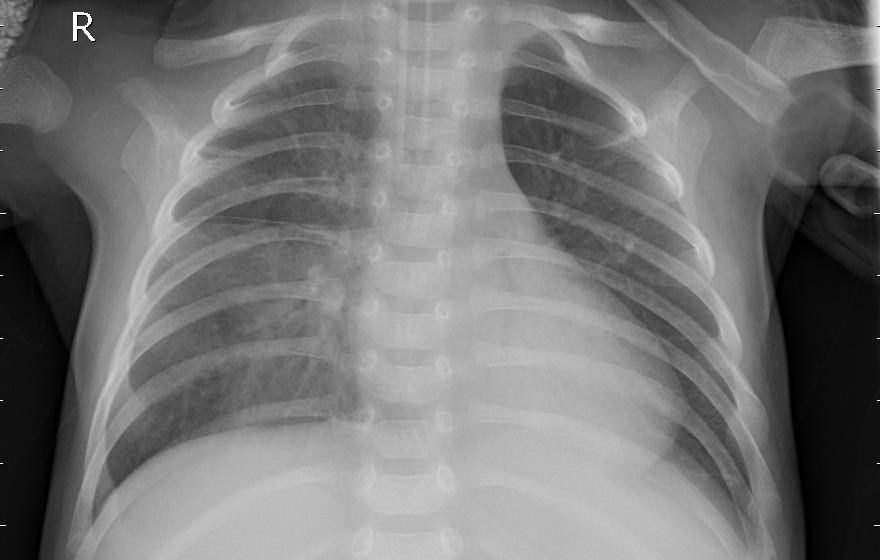
Images to try in the Medical Image Triage app.

How to try them

  1. Save an image. Tap or click Download. On a phone you can also long-press the image and choose Save to Photos or Download image.
  2. Open the app at yaqi998.github.io/medtriage.
  3. Upload it in step 2 and compare the app's answer with the true label shown here.

These 10 images were drawn at random from the held-out test set (patients the model never saw during training), one image per patient. They were resized to at most 1024 px.
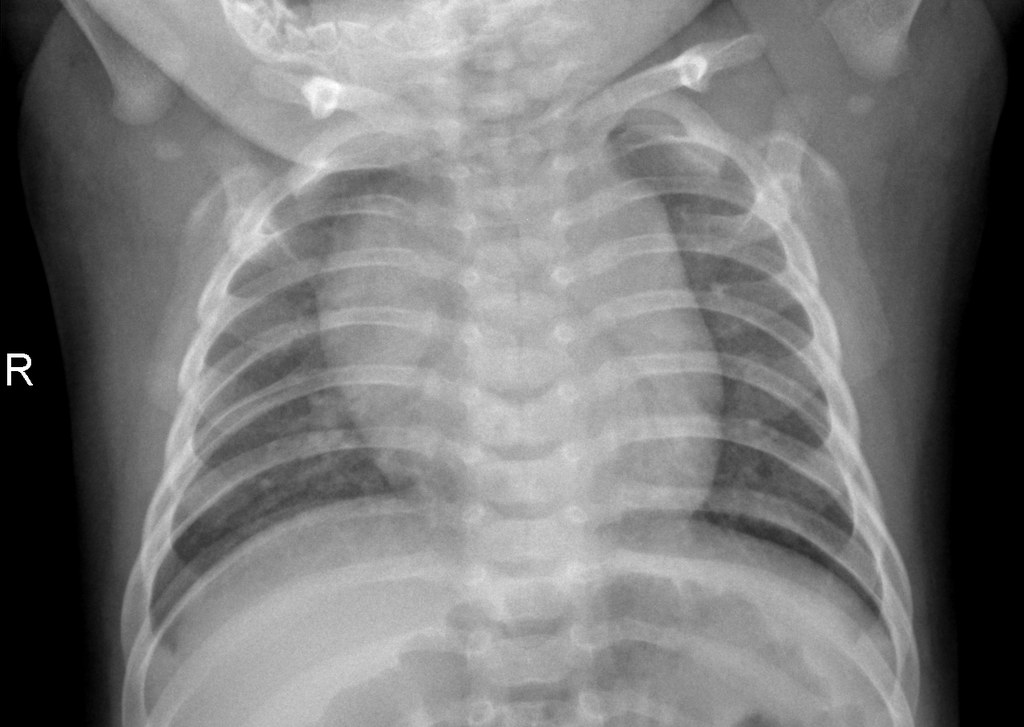
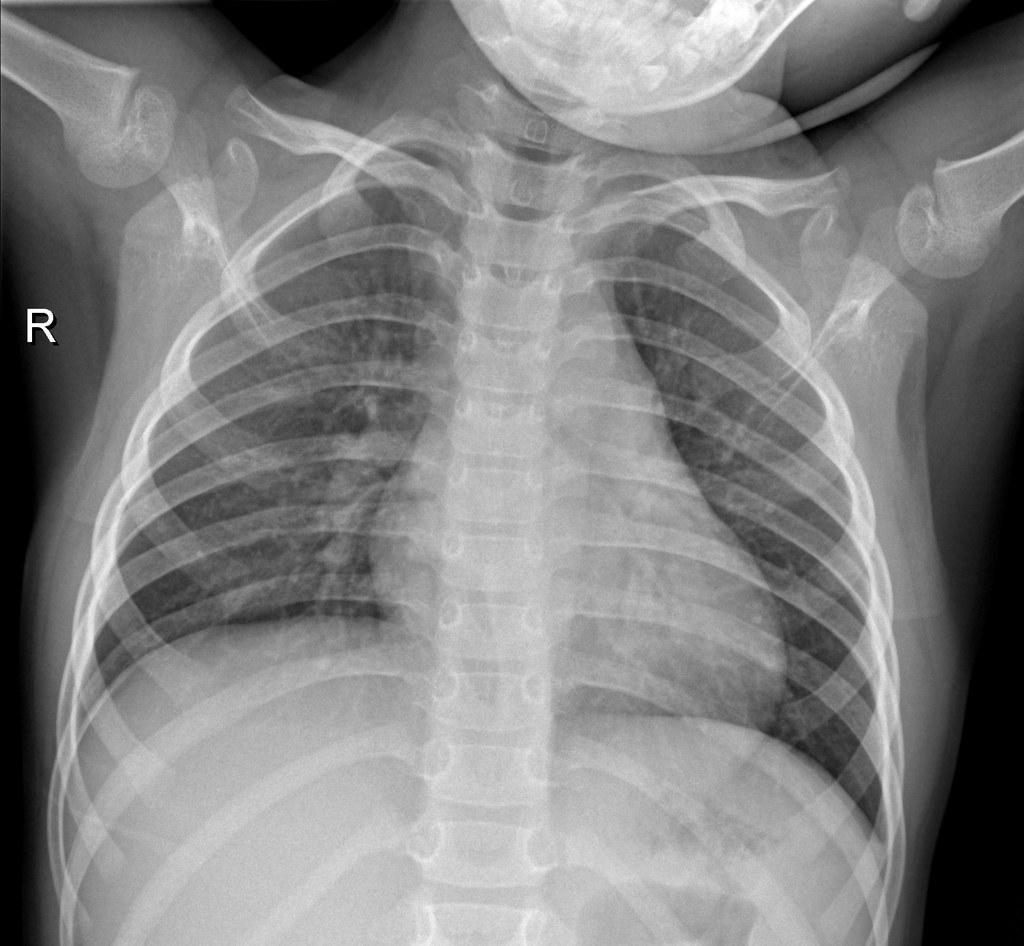
Normal chest X-ray, sample 1
NormalDownload
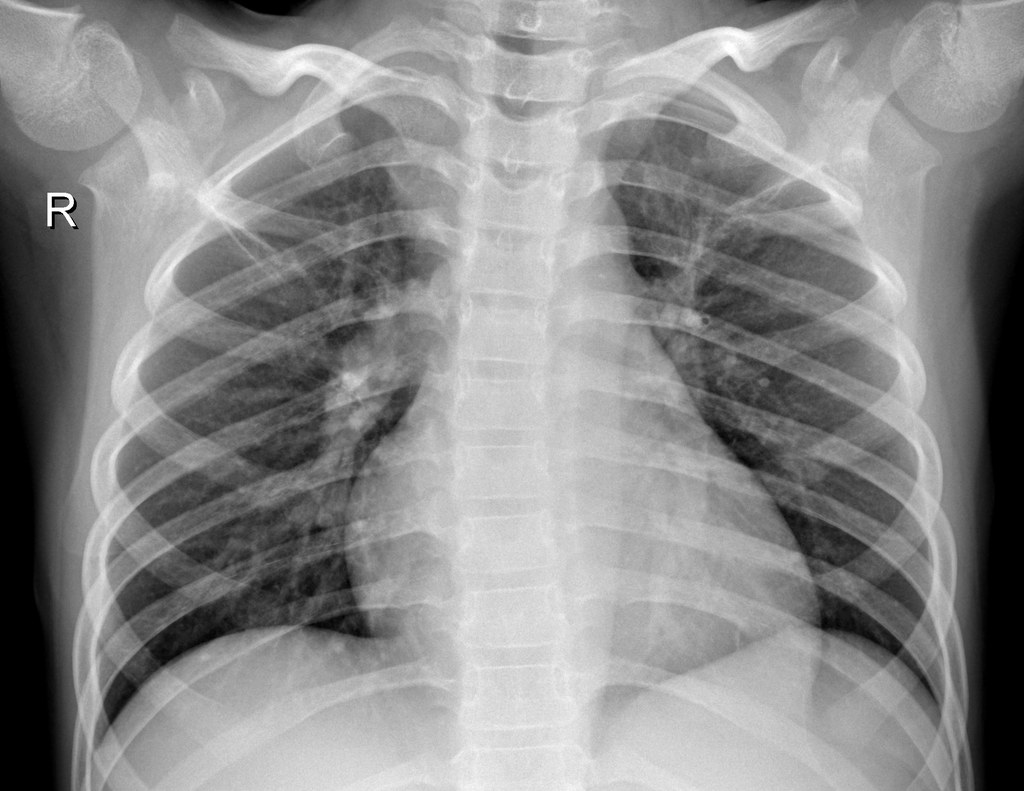
Normal chest X-ray, sample 2
NormalDownload
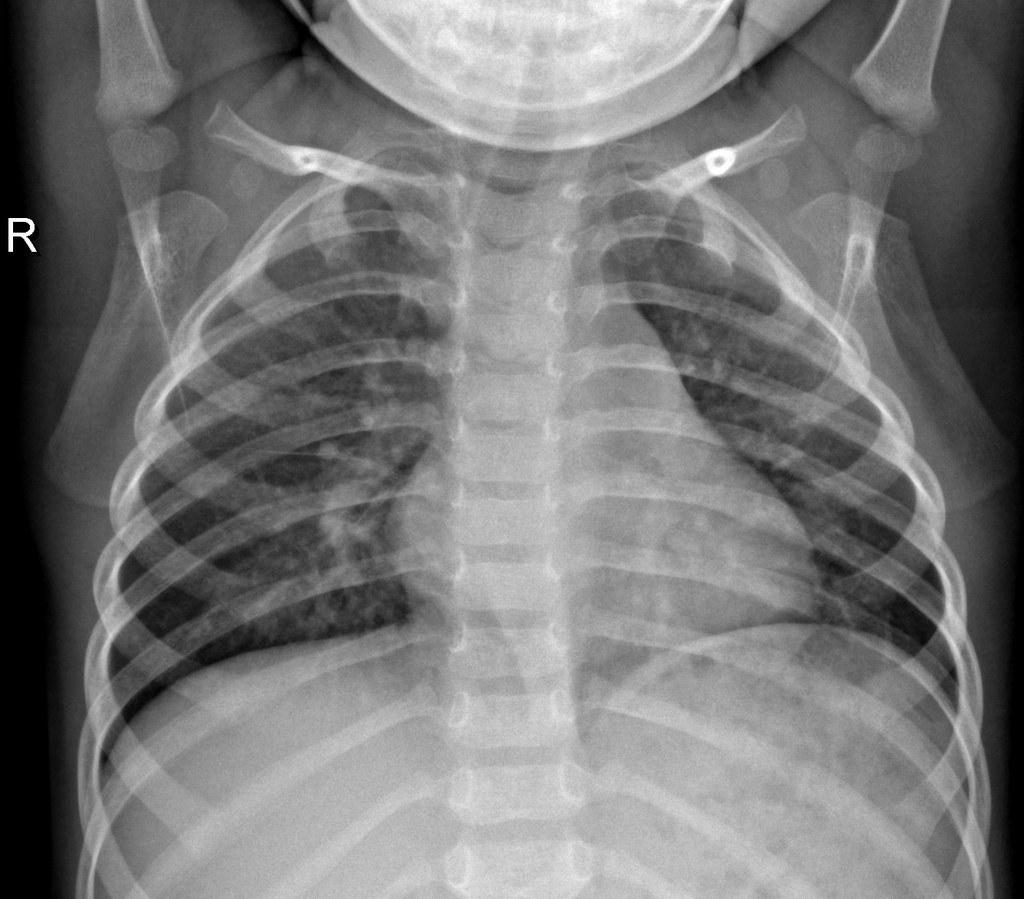
Normal chest X-ray, sample 3
NormalDownload
Normal chest X-ray, sample 4
NormalDownload
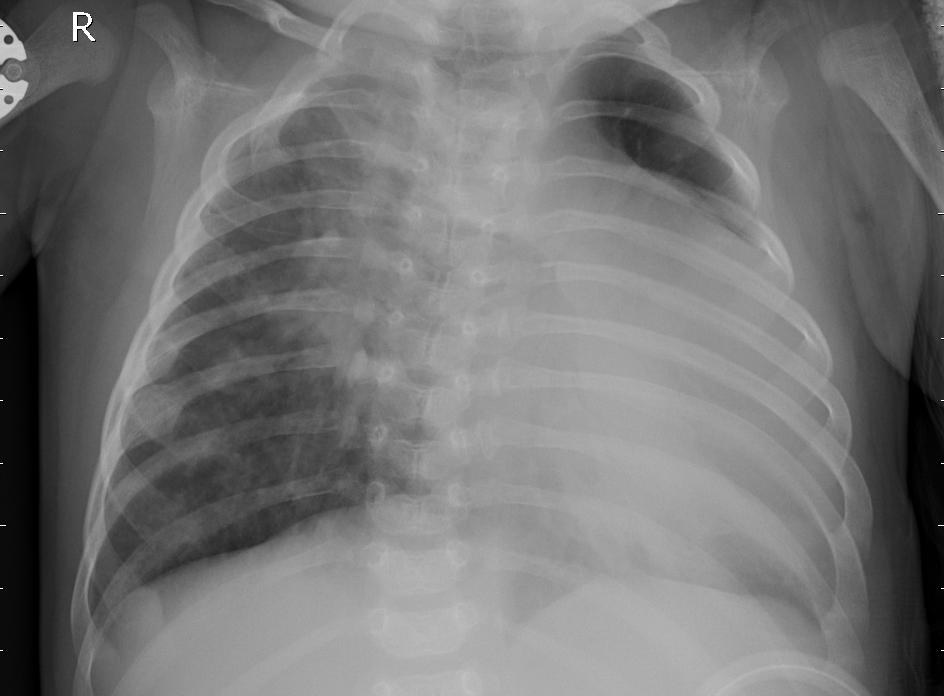
Pneumonia (bacterial) chest X-ray, sample 5
Pneumonia (bacterial)Download
Pneumonia (bacterial) chest X-ray, sample 6
Pneumonia (bacterial)Download
Pneumonia (bacterial) chest X-ray, sample 7
Pneumonia (bacterial)Download
Pneumonia (viral) chest X-ray, sample 8
Pneumonia (viral)Download
Pneumonia (viral) chest X-ray, sample 9
Pneumonia (viral)Download
Pneumonia (viral) chest X-ray, sample 10
Pneumonia (viral)Download